⚜️ Decorative elements
Common mistake
A common mistake is leaving decorative elements such as background images, dividers, or purely visual icons in the semantic tree. Screen readers will attempt to announce these elements, often producing meaningless output like “image” or simply pausing. This adds noise to the navigation experience and makes it harder for users to focus on content that actually matters.
🎯 Relevant elements
This guideline applies to any element that is purely visual and carries no informational meaning for the end user:
- Background and hero images
- Decorative icons (e.g. purely stylistic)
- Dividers and separators
- Animated illustrations that don’t convey content (e.g. loading animations)
- Shadows, gradients, or visual effect layers
WCAG Guideline
This guideline is based on WCAG 2.2 — 1.1.1 Non-text Content (Level A). Decorative elements that do not convey information must be implemented so that assistive technologies can ignore them.
Solution
Use Flutter’s ExcludeSemantics wrapper to remove a widget and all its children from the semantic tree. This ensures the screen reader skips the element entirely.
// ❌ Don't - decorative image is announced by the screen reader
Image.asset('assets/background.png');

// ✅ Do - excluded from the semantic tree, screen reader skips it
ExcludeSemantics(
  child: Image.asset('assets/background.png'),
);
Validation & Testing
Verify this guideline using one or more of the methods below. See the Validation & Testing setup guide for tool configuration.
SemanticsDebugger
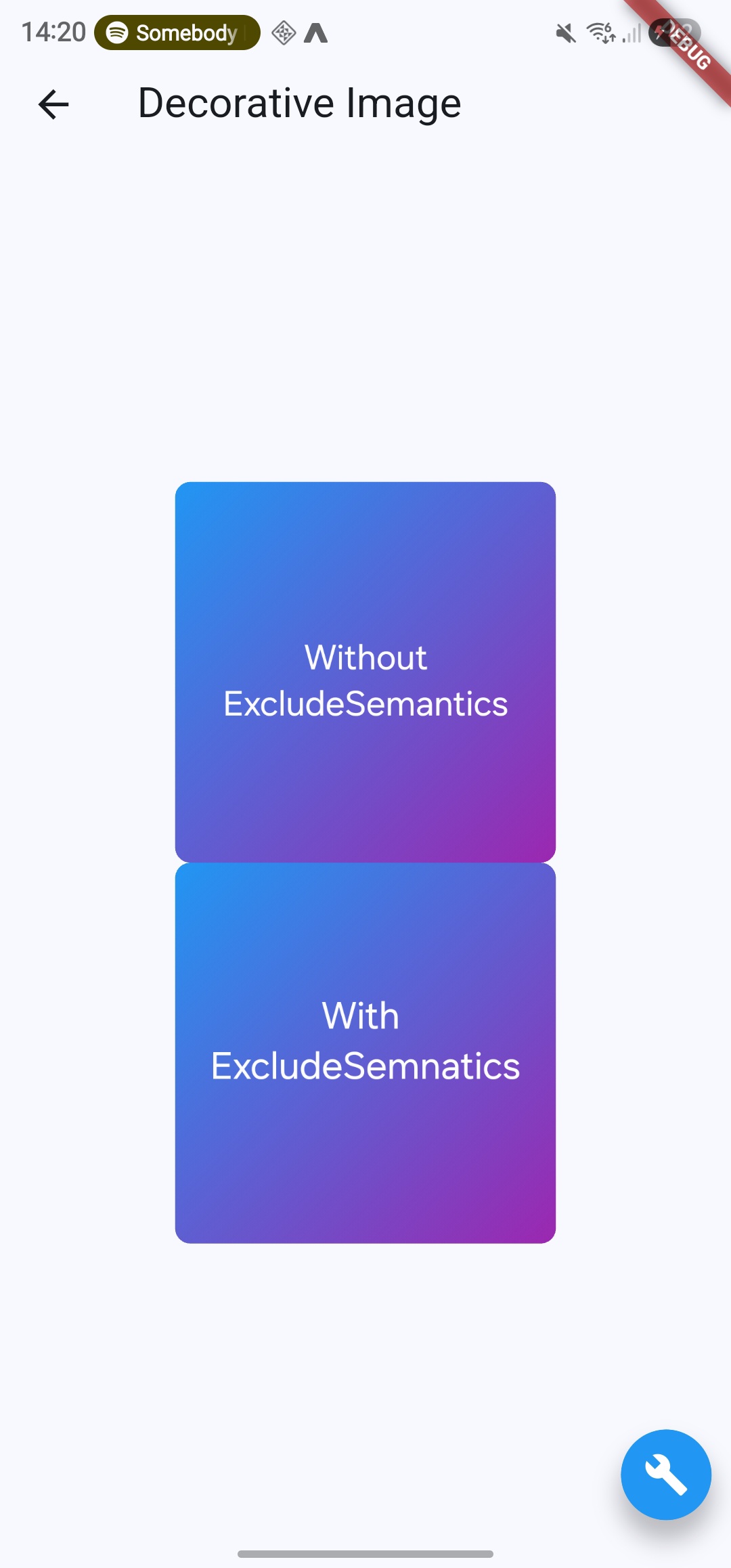
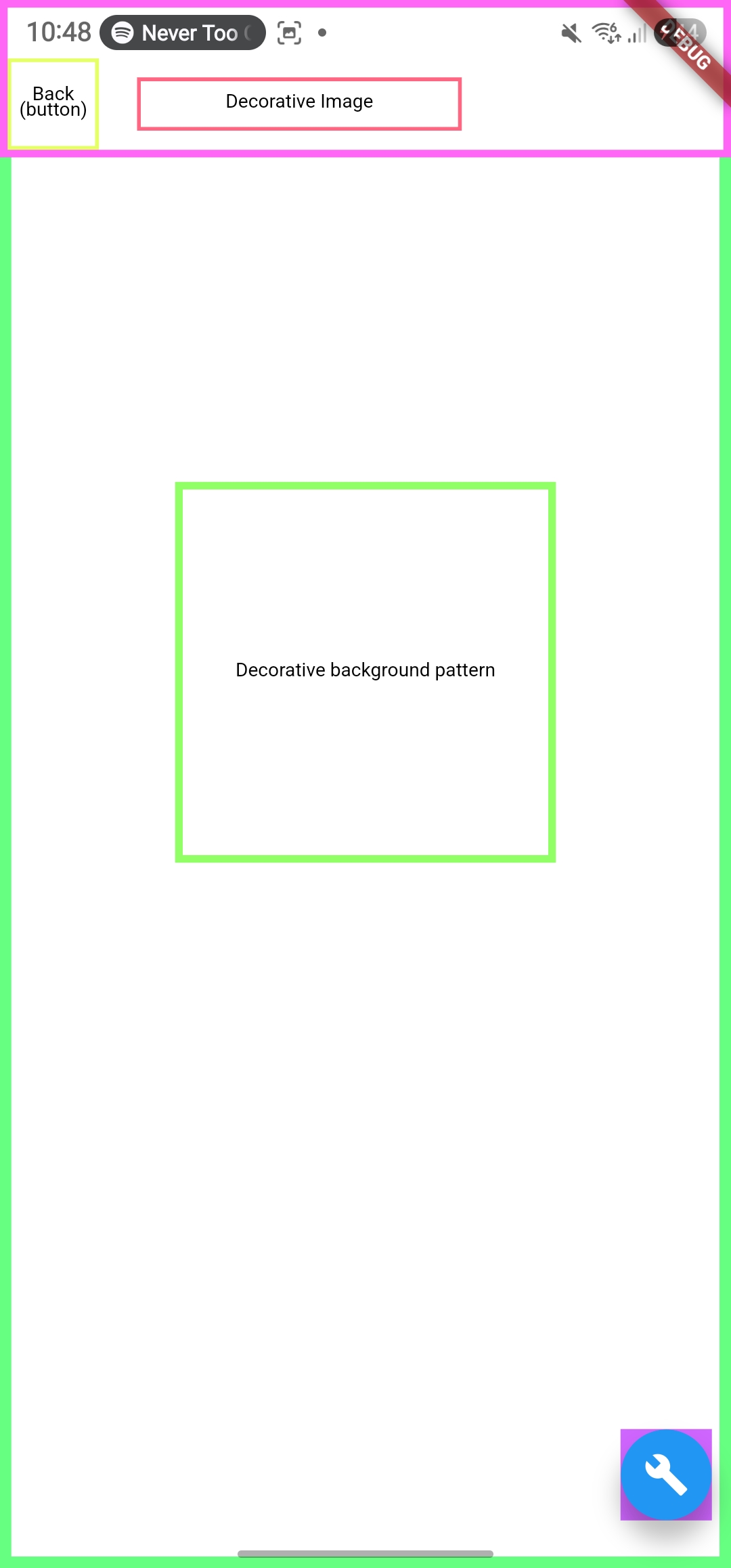
Confirm that decorative elements are no longer highlighted with a semantic overlay.
SemanticsDebugger off | SemanticsDebugger on |
|---|---|
 |  |
accessibility_tools
Activate screen reader mode and verify that decorative elements show no semantic overlay.
TalkBack & VoiceOver
Navigate through all decorative elements. The screen reader should skip them entirely, no announcement should be made.
flutter_test
Use flutter_test to assert that decorative elements are absent from the semantic tree.
testWidgets('decorative image is wrapped in ExcludeSemantics', (tester) async {
  await tester.pumpWidget(MyWidget());
  final excludeSemantics = find.ancestor(
    of: find.byType(Image),
    matching: find.byType(ExcludeSemantics),
  );
  expect(excludeSemantics, findsOneWidget);
});
🛠️ Usage baseflow-a11y-components library
This is enforced on the following components:
- A11yImage
- A11yIcon