📖 View titles
Common mistake
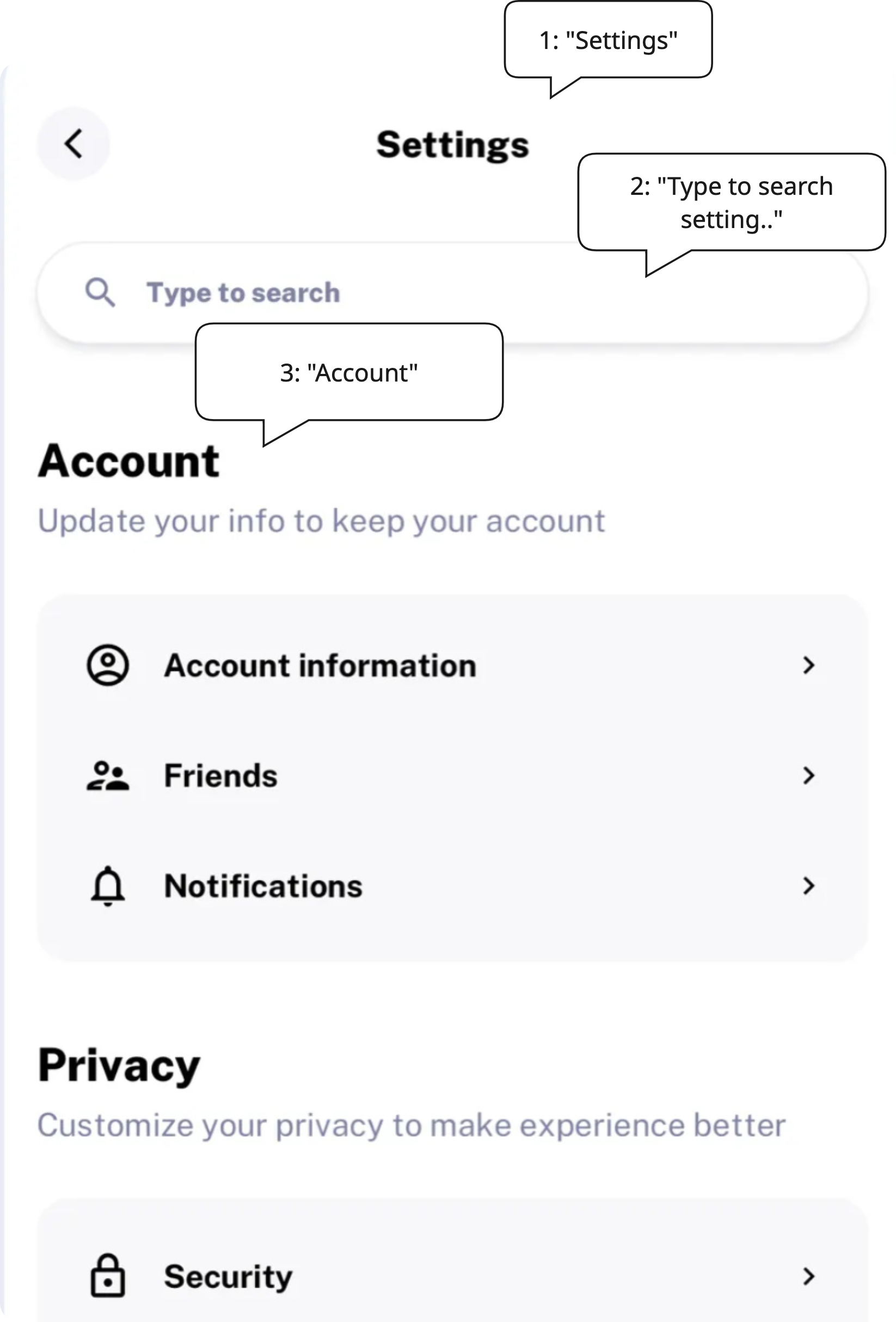
A common mistake is rendering screen titles as plain text without marking them as headings. Visually they may look like headings due to font size or weight, but a screen reader has no way to distinguish them from regular body text. This means users cannot use heading navigation to jump between screens or sections, a feature they rely on heavily to orient themselves in an application.
🎯 Relevant elements
This guideline applies to any widget that acts as the title or primary heading of a screen or section:
- App bar titles (
AppBar.title)- Screen or page headings rendered as
Text- Section headers within a scrollable page
- Dialog and bottom sheet titles
WCAG Guideline
This guideline is based on WCAG 2.2 — 2.4.6 Headings and Labels (Level AA) and WCAG 2.2 — 1.3.1 Info and Relationships (Level A). Headings must describe the topic or purpose, and information conveyed through presentation must also be programmatically determinable.
Solution
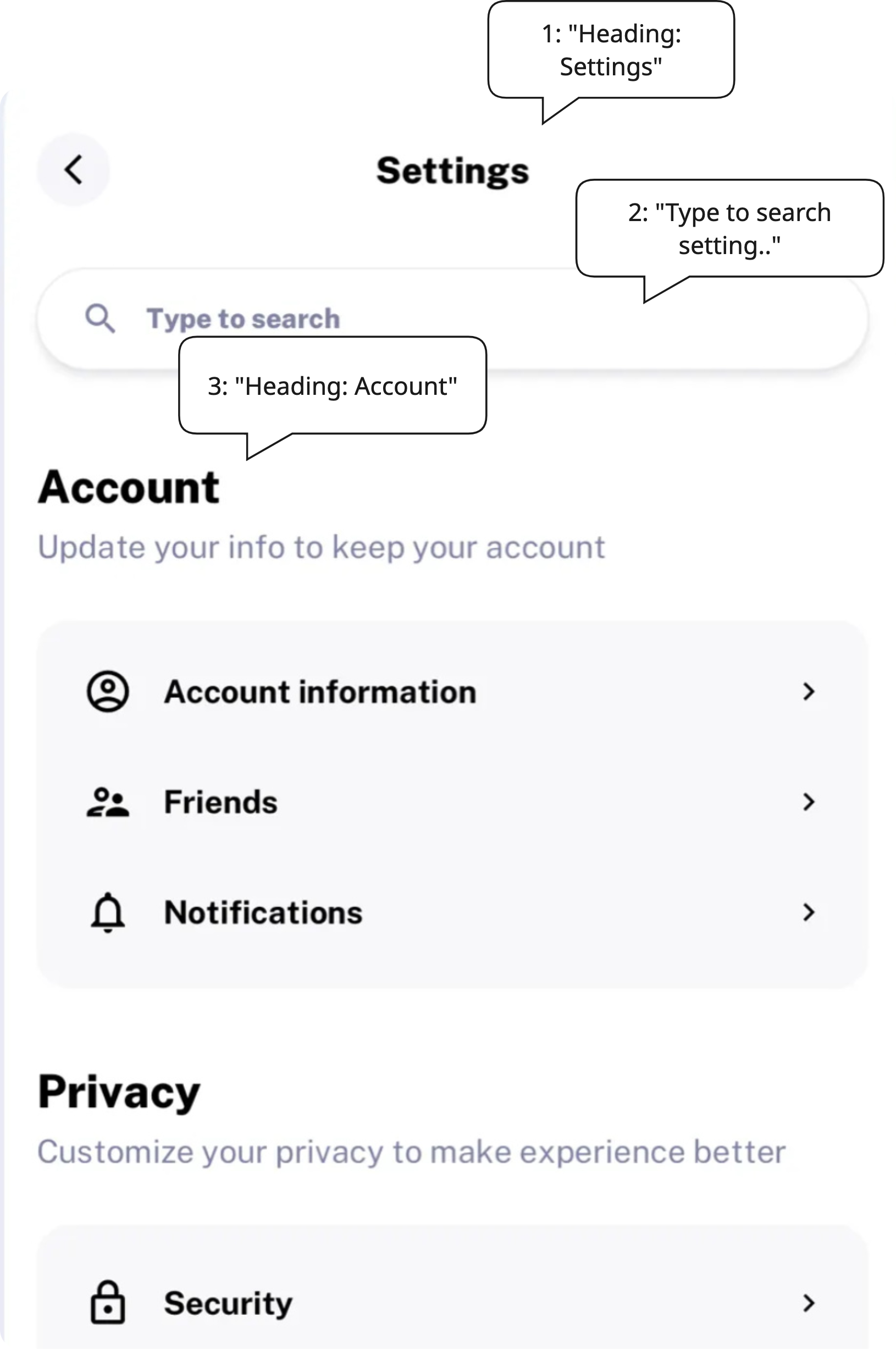
Use Semantics with header: true to mark screen titles as headings. This gives screen readers a clear anchor when navigating through the application, similar to how headings work on the web.
// ❌ Don't - plain text, screen reader announces it like any other text
Text(
  'Settings',
  style: Theme.of(context).textTheme.headlineMedium,
);

// ✅ Do - marked as a heading, announced as "Heading: Settings"
Semantics(
  header: true,
  headingLevel: HeadingLevel.h1,
  child: Text(
    'Settings',
    style: Theme.of(context).textTheme.headlineMedium,
  ),
);
| 👎 Don’t | 👍 Do |
|---|---|
 |  |
Validation & Testing
Verify this guideline using one or more of the methods below. See the Validation & Testing setup guide for tool configuration.
SemanticsDebugger
Confirm that screen titles display a header flag in their semantic overlay.
accessibility_tools
Activate screen reader mode and confirm screen titles are marked as headings.
TalkBack & VoiceOver
Navigate through screens and verify that the screen reader announces page titles as headings — for example, "Heading: Settings" rather than just "Settings".
flutter_test
Use flutter_test to assert that the screen title is marked as a header in the semantic tree.
testWidgets('screen title is marked as a heading', (tester) async {
  await tester.pumpWidget(MyWidget());

  expect(
    tester.getSemantics(find.text('Settings')),
    matchesSemantics(
      label: 'Settings',
      isHeader: true,
    ),
  );
});
🛠️ Usage baseflow-a11y-components library
This is enforced on the following components…
- A11yHeading