📋 Horizontal lists
Common mistake
A common mistake is placing horizontally scrollable content such as carousels or page views without providing an alternative navigation method for screen reader users. Screen readers use horizontal swipe gestures to move between elements, which directly conflicts with the swipe gesture used to scroll the list. As a result, users get stuck and cannot reach the list’s content at all.
🎯 Relevant elements
This guideline applies to any widget that scrolls horizontally and contains multiple navigable items:
- Page views (
PageView)- Horizontal list views (
ListViewwith horizontal scroll direction)- Carousels and image sliders
- Horizontally scrollable tab or chip rows
WCAG Guideline
This guideline is based on WCAG 2.2 — 2.1.1 Keyboard (Level A) and WCAG 2.2 — 2.5.1 Pointer Gestures (Level A). All functionality must be operable through a keyboard interface and must not depend on multipoint or path-based gestures alone.
Solution
Use the onIncrease and onDecrease callbacks within Flutter’s Semantics widget to provide an alternative navigation method. By wrapping a PageView with these callbacks, users can navigate pages by swiping up or down instead of horizontally. Also set liveRegion: true so that each new page’s content is automatically announced when it changes.
// ❌ Don't - horizontal swipe conflicts with screen reader navigation
PageView(
  children: pages,
);

// ✅ Do - provide up/down swipe as alternative navigation
int _currentPage = 0;
final PageController _controller = PageController();

Semantics(
  liveRegion: true,
  onIncrease: () {
    _controller.nextPage(duration: Duration(milliseconds: 300), curve: Curves.easeIn);
    setState(() => _currentPage++);
  },
  onDecrease: () {
    _controller.previousPage(duration: Duration(milliseconds: 300), curve: Curves.easeIn);
    setState(() => _currentPage--);
  },
  child: PageView(
    controller: _controller,
    children: pages,
  ),
);
Validation & Testing
Verify this guideline using one or more of the methods below. See the Validation & Testing setup guide for tool configuration.
SemanticsDebugger
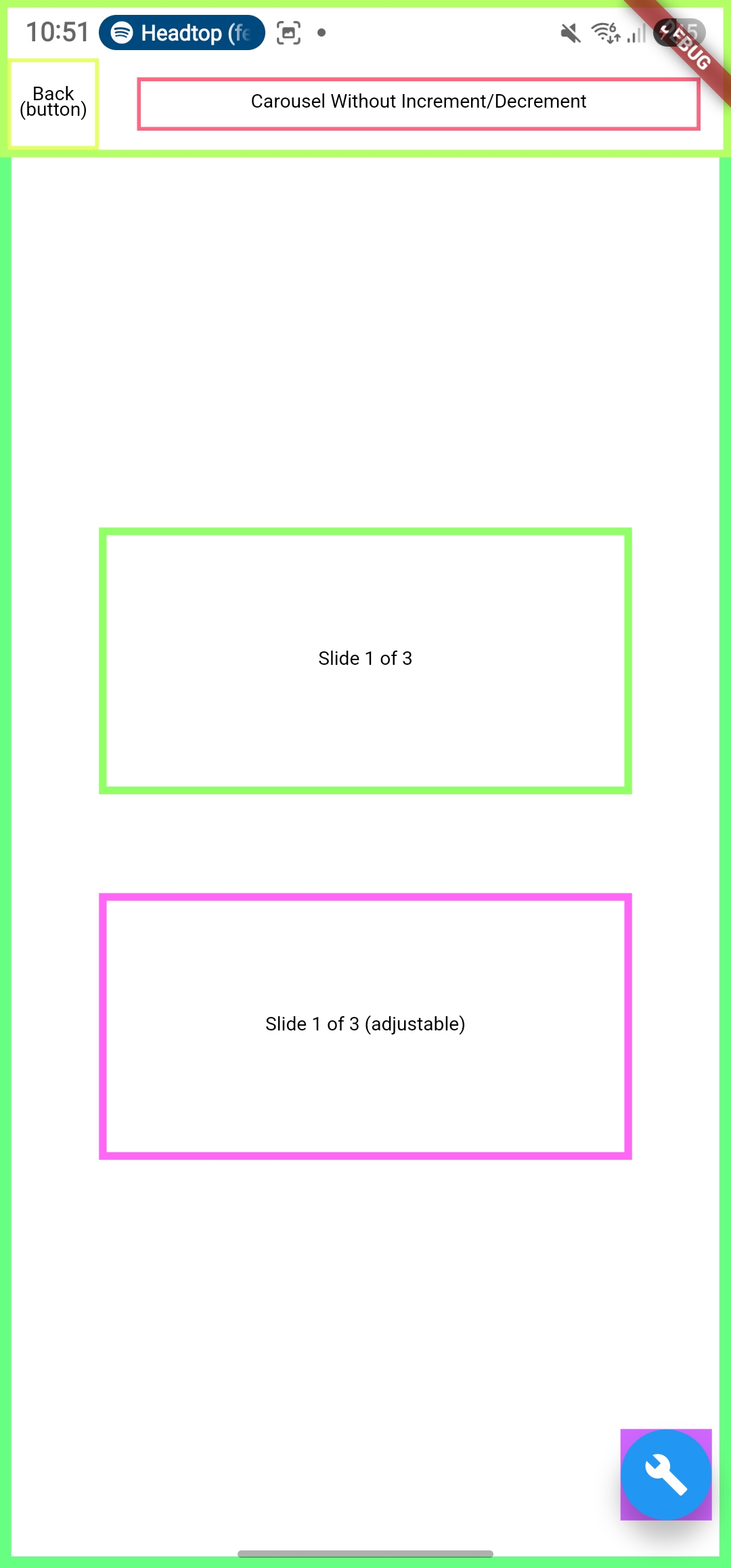
Confirm that the PageView exposes increase/decrease actions in the semantic tree.
accessibility_tools
Activate screen reader mode and confirm the PageView exposes increase/decrease actions.
TalkBack & VoiceOver
Navigate through the horizontal list. Verify that all list content is reachable using up/down swipes and that new content is automatically announced after each navigation action.
flutter_test
Use flutter_test to assert that the semantic node exposes the increase and decrease actions.
testWidgets('PageView exposes increase and decrease actions', (tester) async {
  await tester.pumpWidget(MyWidget());

  expect(
    tester.getSemantics(find.byType(PageView)),
    matchesSemantics(
      hasIncreasedAction: true,
      hasDecreasedAction: true,
    ),
  );
});
🛠️ Usage baseflow-a11y-components library
This is enforced on the following components:
- A11yHorizontalList