🏃 Interactive elements
Common mistake
A common mistake with interactive elements is using a label that describes what the element is rather than what it does. For example, labelling a delete button as
"trash icon"instead of"Delete item". Screen reader users rely entirely on these labels to understand what will happen when they activate an element. A vague or missing label forces them to guess, which can lead to accidental and irreversible actions.
🎯 Relevant elements
This guideline applies to any element the user can interact with that lacks a visible text label:
- Icon buttons (
IconButton)- Floating action buttons (
FloatingActionButton)- Custom gesture detectors (
GestureDetector,InkWell)- Toggle buttons and checkboxes with no adjacent label
- Navigation bar items using only icons
WCAG Guideline
This guideline is based on WCAG 2.2 — 1.1.1 Non-text Content (Level A) and WCAG 2.2 — 4.1.2 Name, Role, Value (Level A). For every interactive element, the name and role must be programmatically determinable, and any element without visible text must have a text alternative that describes the action it triggers.
Solution
Use Flutter’s Semantics wrapper with button: true for clickable elements. Make sure the label describes what the element does, not what it is.
// ❌ Don't - describes the icon, not the action
IconButton(
  icon: Icon(Icons.delete),
  onPressed: () => deleteItem(),
);

// ✅ Do - label describes the triggered action
Semantics(
  label: 'Delete item',
  button: true,
  child: IconButton(
    icon: Icon(Icons.delete),
    onPressed: () => deleteItem(),
  ),
);

// Some widgets support semanticLabel directly
IconButton(
  icon: Icon(Icons.delete),
  tooltip: 'Delete item', // also sets the semantic label
  onPressed: () => deleteItem(),
);
| 👎 Don’t | 👍 Do |
|---|---|
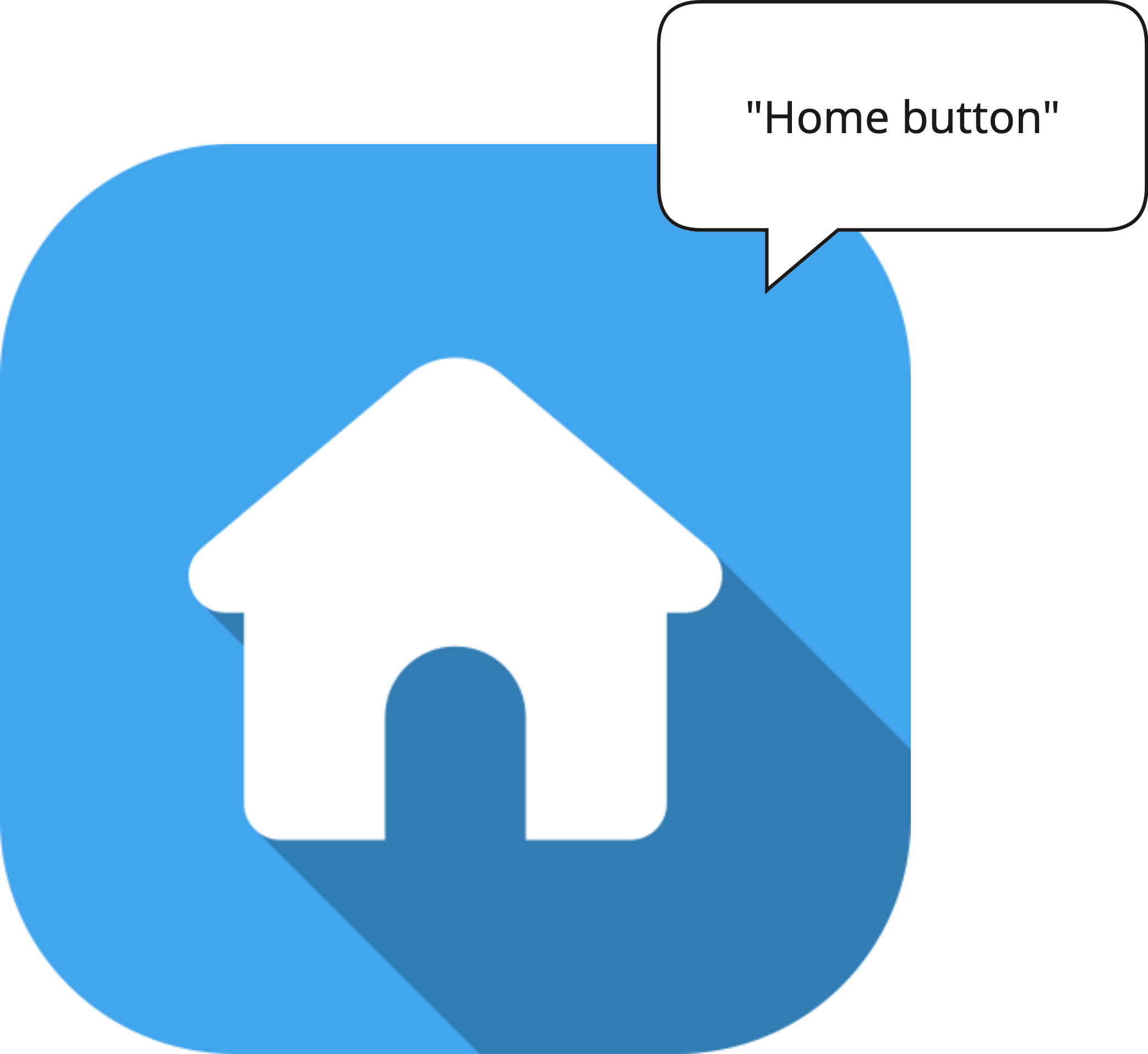 | 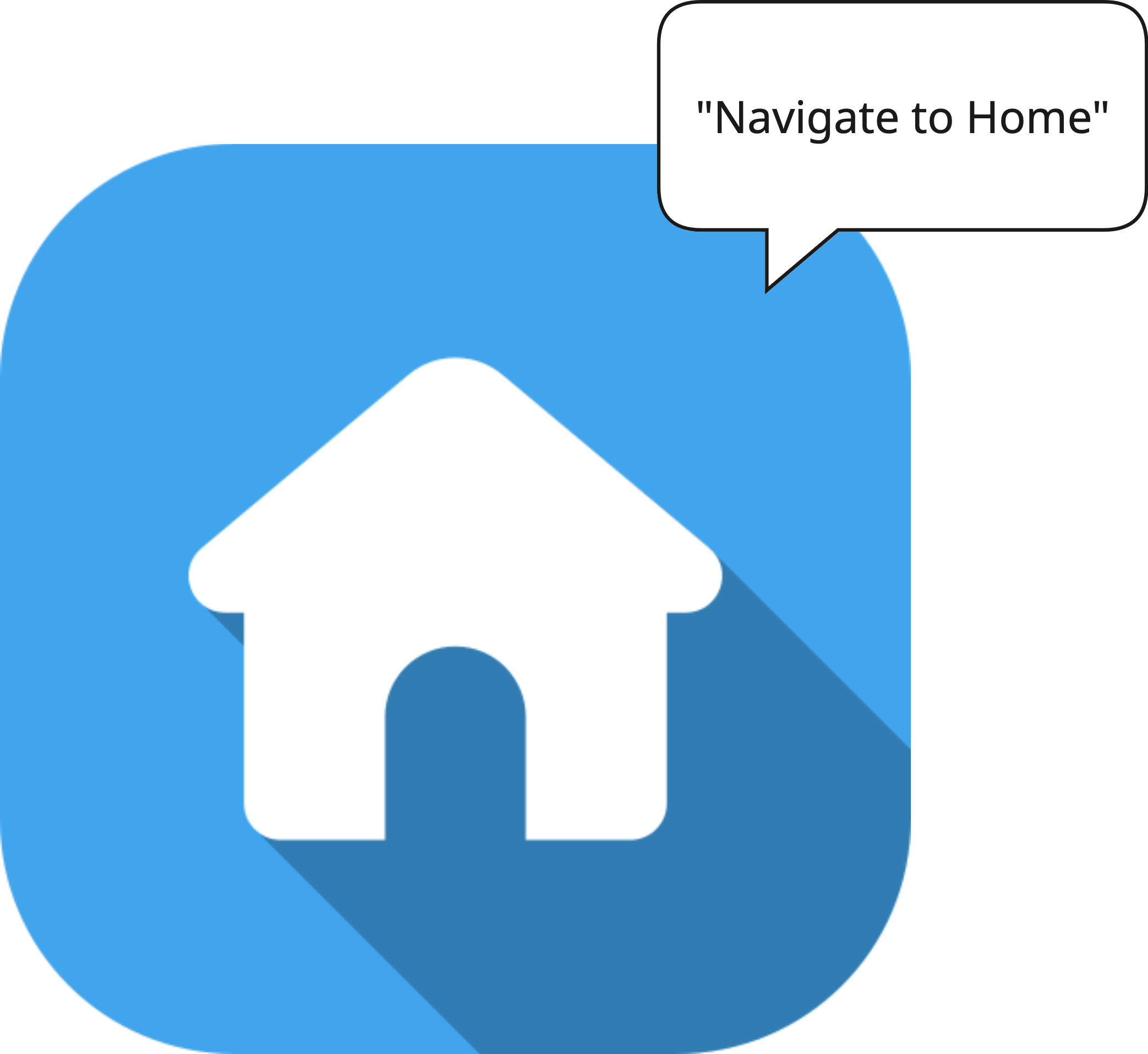 |
Validation & Testing
Verify this guideline using one or more of the methods below. See the Validation & Testing setup guide for tool configuration.
SemanticsDebugger
Confirm that each interactive element shows an action-oriented label.
accessibility_tools
Activate screen reader mode and confirm each interactive element shows an action-oriented label.
TalkBack & VoiceOver
Navigate through all interactive elements. Verify that each element announces a label that clearly describes the action it triggers — not just "button" or an icon name.
flutter_test
Use flutter_test to assert that interactive elements have the correct semantic label and role.
testWidgets('delete button has descriptive semantic label', (tester) async {
  await tester.pumpWidget(MyWidget());

  expect(
    tester.getSemantics(find.byType(IconButton)),
    matchesSemantics(
      label: 'Delete item',
      isButton: true,
    ),
  );
});
🛠️ Usage baseflow-a11y-components library
This is enforced on the following components:
- A11yButton
- A11yIcon
- A11yCard